
There are three ways to get into someone else's event: they add you, you enter a join code, or you ask to join from the leaderboard. Whichever way, you end up in a playing group with your scores on the live board.
If the host added you
If the host put you in the event, you will see it appear with "You've been added". Open it and tap Confirm and join. Pick the tee you are playing and you are in.
Join with a code or QR
Every event has a six digit join code and a QR code, shown on the host's Invite screen.
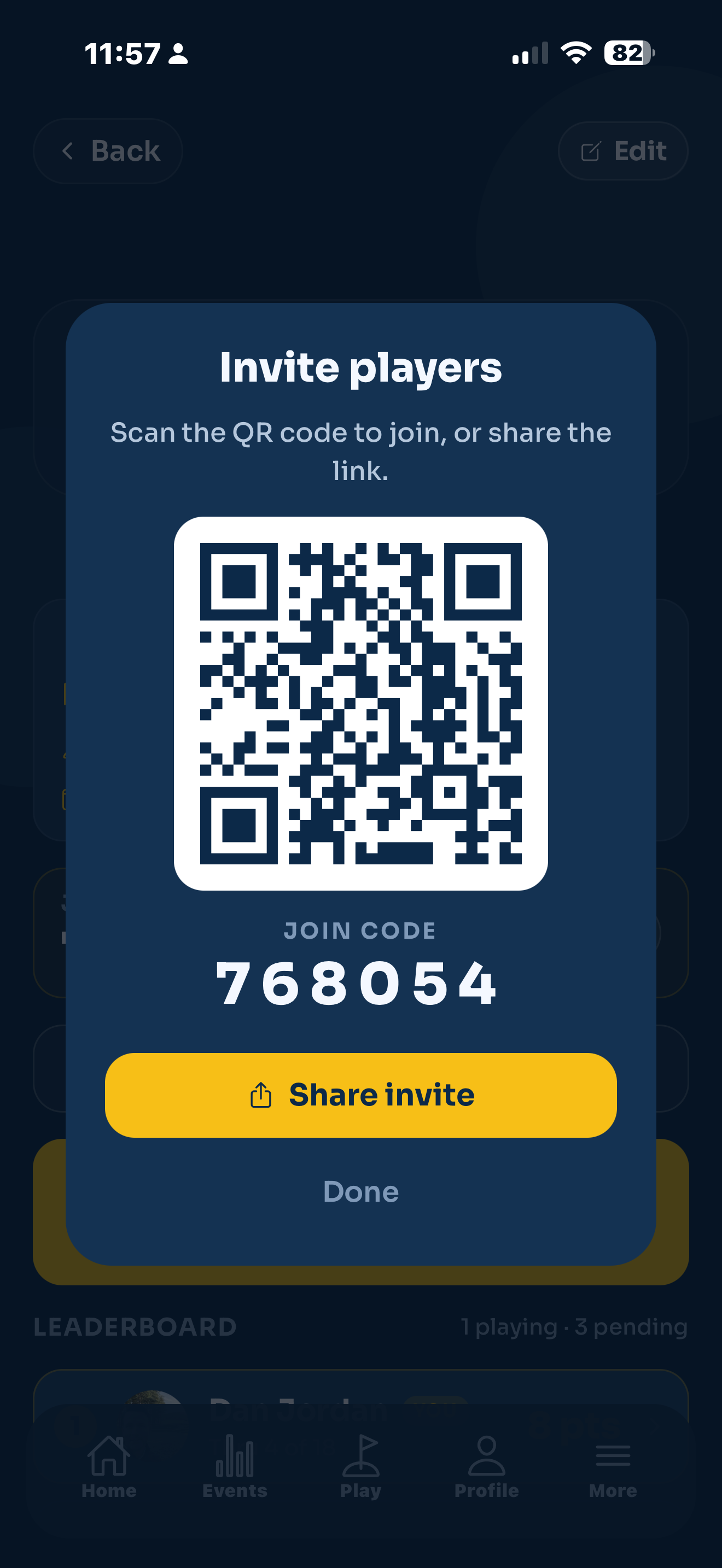
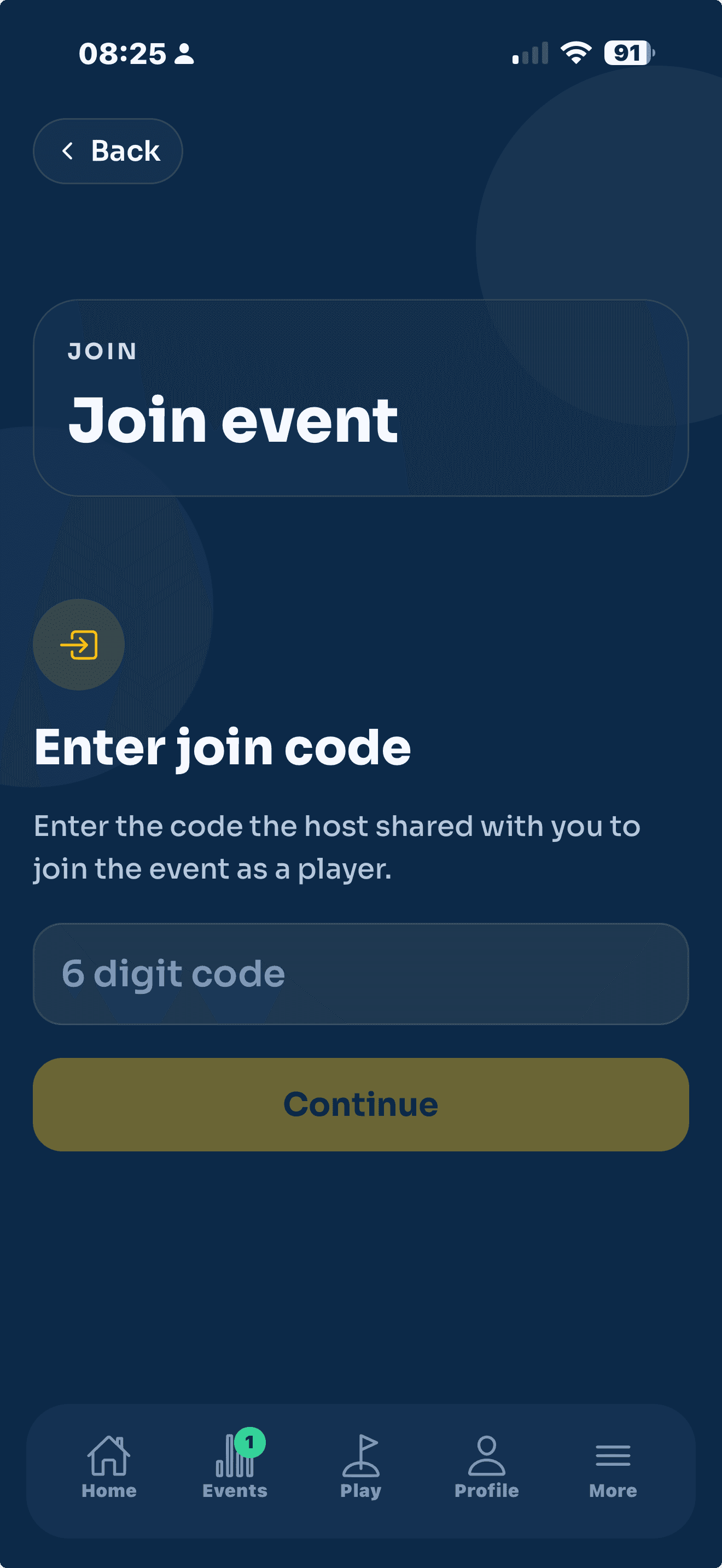
- On the Events tab, tap Join with code.
- Enter the six digit code the host shared, then tap Continue. If they sent you a link, tapping it opens the event straight away, and scanning the QR code does the same.
- Pick the tee you are playing.
Ask to join from the leaderboard
If you are watching an event and want in, tap Ask to join on the leaderboard. Your request goes to the host, and you will see "Request sent, waiting for the host" until they approve it. The host then adds you to a group, or lets you score your own card.
Once you are in
If someone in your group is your card marker, your screen shows "Your card is being marked by ...", and you can sit back and watch the leaderboard. Otherwise, you enter your own scores hole by hole.
Joining puts you in the competition as a player. If you only want to watch, open the web leaderboard link instead. No app or account needed for that.