
Every event has a live leaderboard you can share as a plain web link. Anyone who opens it watches the scores come in from their browser, with no app to download and no account to sign in. It is built for putting on the big screen in the clubhouse, or for sending to family and friends who want to follow along.
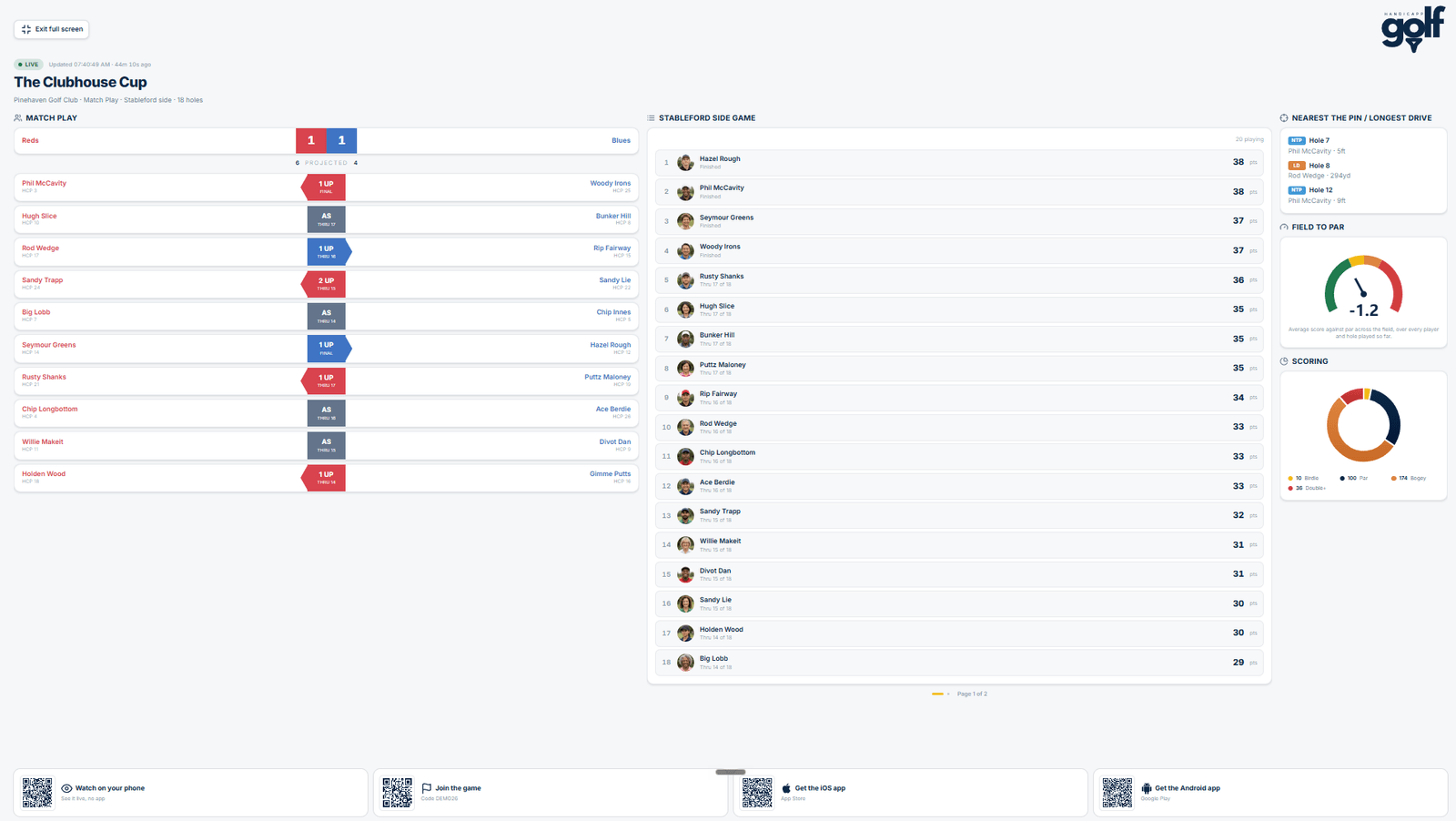
Share the web link
- Open your event and go to the Leaderboard.
- Tap Share.
- Send the link however you like: a WhatsApp group, a text, an email, or the club's socials. The message reads "Follow ... live on GolfHandicapp" with the link.
That link is the spectator view. It is different from the join code, which is for players who want to enter scores. Share the web link with anyone you just want to watch, and share the join code only with people playing.
Use the web link
- Open the link in any web browser, on a phone, tablet, laptop or a smart TV.
- The live board loads straight away. No login, nothing to install.
- It refreshes on its own as scores are entered, so you can leave it up and it stays current.
Put it on the clubhouse screen
The board is designed to look good full screen. Open the link on a laptop or TV browser, go full screen, and leave it running through the day. As players and card markers enter their scores in the app, the clubhouse board keeps up on its own.
The web leaderboard is read only. Scores are always entered in the app by the players or their marker. Anyone with the link can watch, so only share it as far as you want the results seen.